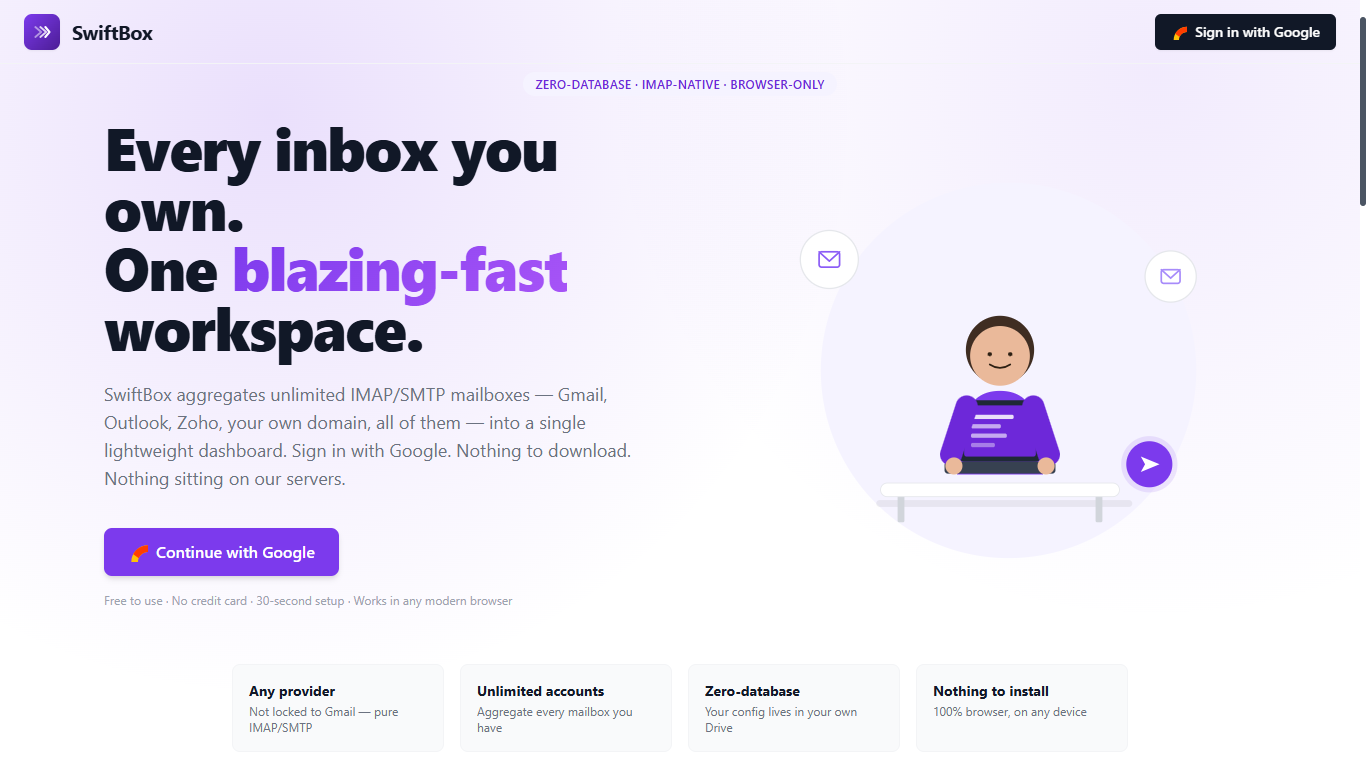
One Inbox For Every Account. Zero Subscriptions.
Outlook makes you pay the moment you outgrow a couple of mailboxes. SwiftBox doesn't. Connect as many email accounts as you want, in one dashboard, for free — with your data staying in your own Google Drive, not on someone else's server.
Microsoft Outlook remains one of the most recognized names in email, but for anyone juggling multiple inboxes — a personal Gmail account, a work address, a couple of side-project domains — it starts to show its limits fast. Outlook's free tier caps how many accounts you can realistically manage in one clean view, and the moment you want more storage, more rules, or more accounts, it nudges you toward a Microsoft 365 subscription.
That's exactly the gap SwiftBox was built to close — a lightweight, browser-based email aggregator that brings every account you own into a single, fast, distraction-free dashboard, at zero cost.
The Core Idea: One Login, Every Mailbox
SwiftBox is built around a simple flow — sign in once, connect as many accounts as you need, and manage everything from the same screen.
What Makes SwiftBox Different
Truly Unlimited Accounts
No artificial ceiling on how many mailboxes you connect — one Gmail inbox or ten client domains, all side by side in the same dashboard.
Portable Address Book
A centralized contact list across every connected account, with full import and export — your contacts are never locked into one platform.
Custom Filters
Build rules that automatically sort and surface the messages that matter, across every connected account at once.
Raw HTML Compose
Switch out of the rich text editor into raw HTML source mode whenever you need pixel-perfect control over a signature, template, or newsletter.
Custom Send-As & Reply-To
Configure a different reply-to address than the one you send from — built for aliases, brand inboxes, and support addresses.
Attachments to Your Own Drive
Saved attachments stream straight into an organized folder inside your own visible Google Drive, with hash-based deduplication so nothing is ever double-uploaded.
The USP: Privacy-First, Not Data-Hoarding
Most email aggregators quietly copy your entire mailbox onto their own servers to make search and sync faster — which also means your emails now live somewhere you don't control. SwiftBox takes the opposite approach.
Zero-database architecture — your inbox stays yours.
SwiftBox never bulk-downloads or stores your email archive. Live messages are mirrored on demand, directly from your mail provider, while only your encrypted account configuration sits inside your own Google Drive. There's nothing of yours sitting on a third-party server to be breached, sold, or mined.
Outlook vs. SwiftBox
- Account limits push you toward a paid tier
- Mailbox data stored on Microsoft's servers
- Contacts tied to the Microsoft ecosystem
- Attachment storage capped unless you upgrade
- Compose limited to rich text / HTML only
- Ongoing subscription for full functionality
- Unlimited connected accounts, always free
- Zero-database — mail mirrored live, never stored
- Portable address book with import/export
- Attachments saved to your own Google Drive
- Rich text or raw HTML source compose
- No subscription, no paywalled features
Who It's For
Freelancers and consultants managing multiple client or project inboxes who don't want to pay per additional mailbox.
Small business owners running several branded addresses — support@, sales@, hello@ — who want them all visible in one place.
Privacy-conscious users who'd rather their emails stay mirrored from the source than duplicated onto another company's servers.
Power users who want raw HTML compose control and configurable send-as / reply-to behavior most free webmail tools don't offer.
Frequently Asked Questions
Is SwiftBox really free?
Yes. SwiftBox is designed as a free, zero-database alternative to paid email clients like Outlook, with no subscription tiers gating core functionality.
How many email accounts can I add?
There's no fixed limit — connect as many IMAP/SMTP-compatible accounts as you need, from Gmail to custom domain mailboxes.
Does SwiftBox store my emails on its own servers?
No. SwiftBox mirrors your live mailbox on demand and stores only encrypted configuration data inside your own Google Drive — never your actual email content.
Can I import and export my contacts?
Yes — the address book supports importing and exporting contacts, so your data is never locked into one platform.
Does SwiftBox support raw HTML editing?
Yes. Compose in standard rich text, or switch to raw HTML source mode for full formatting control.
Can I set a different reply-to address than the one I send from?
Yes — configure custom send-as and reply-to addresses per connected account.
How do I sign up?
Sign in with your existing Gmail account — there's no separate SwiftBox account or password to create.
Ready to consolidate your inboxes?
Sign in with Gmail, connect every account you own, and see your whole inbox in one place — for free.